
Boost Your Laptop’s Performance on a Budget: The Power of 8GB PC3L-12800S DDR3L 1600Mhz RAM
Is your laptop feeling sluggish, struggling to multitask, or taking too long to load applications? The problem might not be your processor or hard drive, but insufficient RAM (Random Access Memory). Upgrading your RAM is one of the most cost-effective and impactful ways to breathe new life into an older machine.
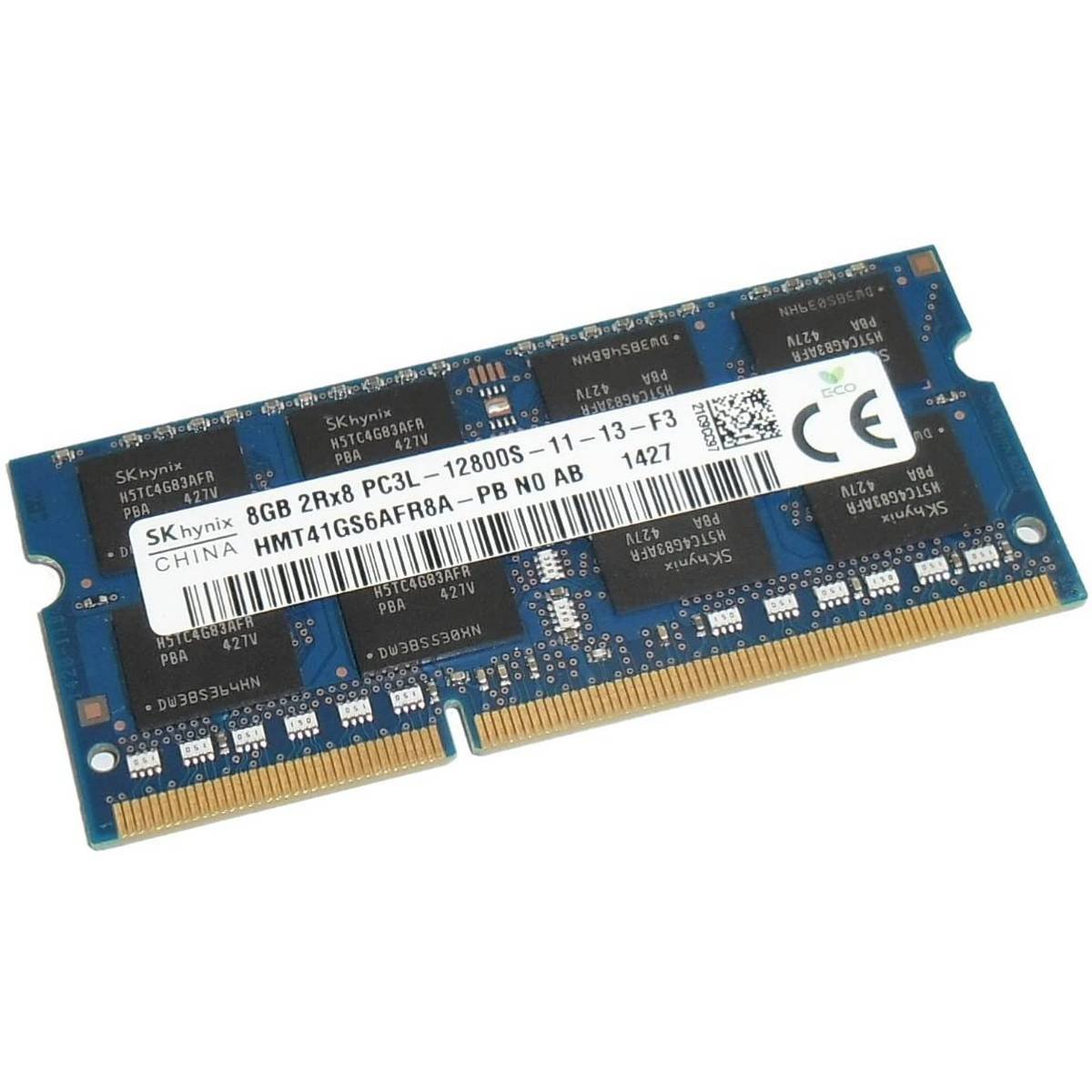
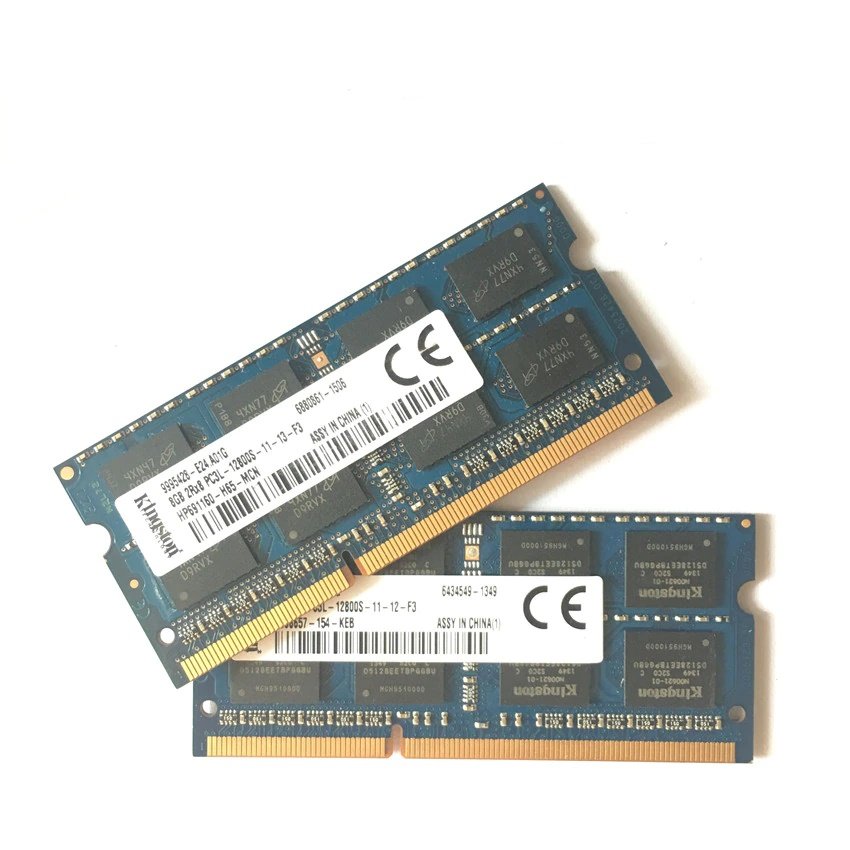
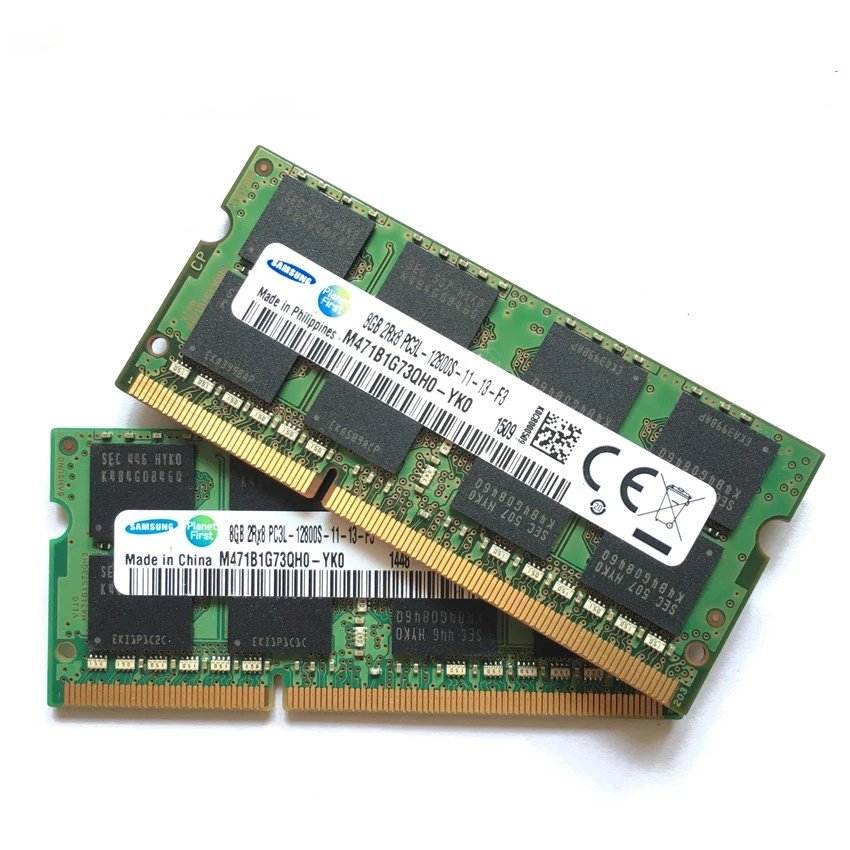
At ITONLINE.PK, we offer reliable, used 8GB PC3L-12800S DDR3L 1600Mhz laptop RAM modules from a mix of top brands. This upgrade can significantly enhance your computing experience without breaking the bank.
The Benefits of Upgrading to 8GB RAM
RAM acts as your computer’s short-term memory, holding data that the CPU needs to access quickly. The more RAM you have, the more programs you can run simultaneously and the faster your system responds.
- Faster Multitasking: With 8GB of RAM, you can effortlessly switch between multiple applications, such as a web browser with numerous tabs, a word processor, and a media player, without experiencing significant slowdowns.
- Improved System Responsiveness: This upgrade translates to faster boot-up times, quicker application launches, and an overall snappier feel to your laptop.
- Enhanced Web Browsing: Modern websites are RAM-intensive. More memory helps your browser load complex pages faster and handle streaming content more smoothly.
- Cost-Effective Solution: Rather than investing in a brand-new laptop, adding RAM is an inexpensive upgrade that extends the useful life of your current device.
Understanding PC3L-12800S DDR3L 1600Mhz Specs
It is crucial to understand the technical specifications to ensure compatibility with your specific laptop model.
- DDR3L Technology: The “L” stands for low voltage. These modules operate at 1.35V, which is more energy-efficient than standard 1.5V DDR3 RAM, leading to less heat generation and longer battery life for laptops.
- PC3L-12800S Designation: This indicates a theoretical bandwidth of 12800 MB/s. The “S” signifies it’s a SO-DIMM (small outline dual in-line memory module), which is the compact form factor required for laptops.
- 1600Mhz Speed: This is the operational frequency of the RAM, providing reliable and steady performance for everyday computing tasks, light gaming, and basic photo editing.
Quality and Reliability of Used Branded RAM
At ITONLINE.PK, we source high-quality, used RAM modules that have been professionally pulled from working laptops.
- Mix Brands: Our inventory includes modules from reputable manufacturers such as Samsung, SK Hynix, Kingston, and Micron. This ensures you receive a quality product built to high industry standards.
- 100% Tested Quality: Every single module is rigorously tested to ensure full functionality and stability before it reaches you.
- Compatibility: This specific type of RAM is often compatible with laptops featuring 2nd generation to 5th generation Intel Core i3, i5, and i7 processors.
Easy Installation: A Quick DIY Upgrade
One of the best aspects of a RAM upgrade is how simple it is. For most laptops with an accessible memory slot:
- Power Down: Turn off your laptop and disconnect the power adapter and battery.
- Access the Slot: Open the memory compartment cover on the back of your laptop.
- Install the Module: Gently insert the new 8GB PC3L-12800S DDR3L 1600Mhz module into the available slot at a slight angle and push down until it clicks securely into place.
- Reassemble and Boot: Close the cover, reconnect your power, and turn on your laptop. Your system should automatically detect the new memory.
Upgrading your laptop’s memory is a smart, budget-friendly move to enhance performance. Visit ITONLINE.PK to get your 8GB PC3L-12800S DDR3L 1600Mhz RAM today and experience a faster, more responsive computing experience!


Moon Ali –
Best Laptop Parts in I.T Store
Moon Ali –