
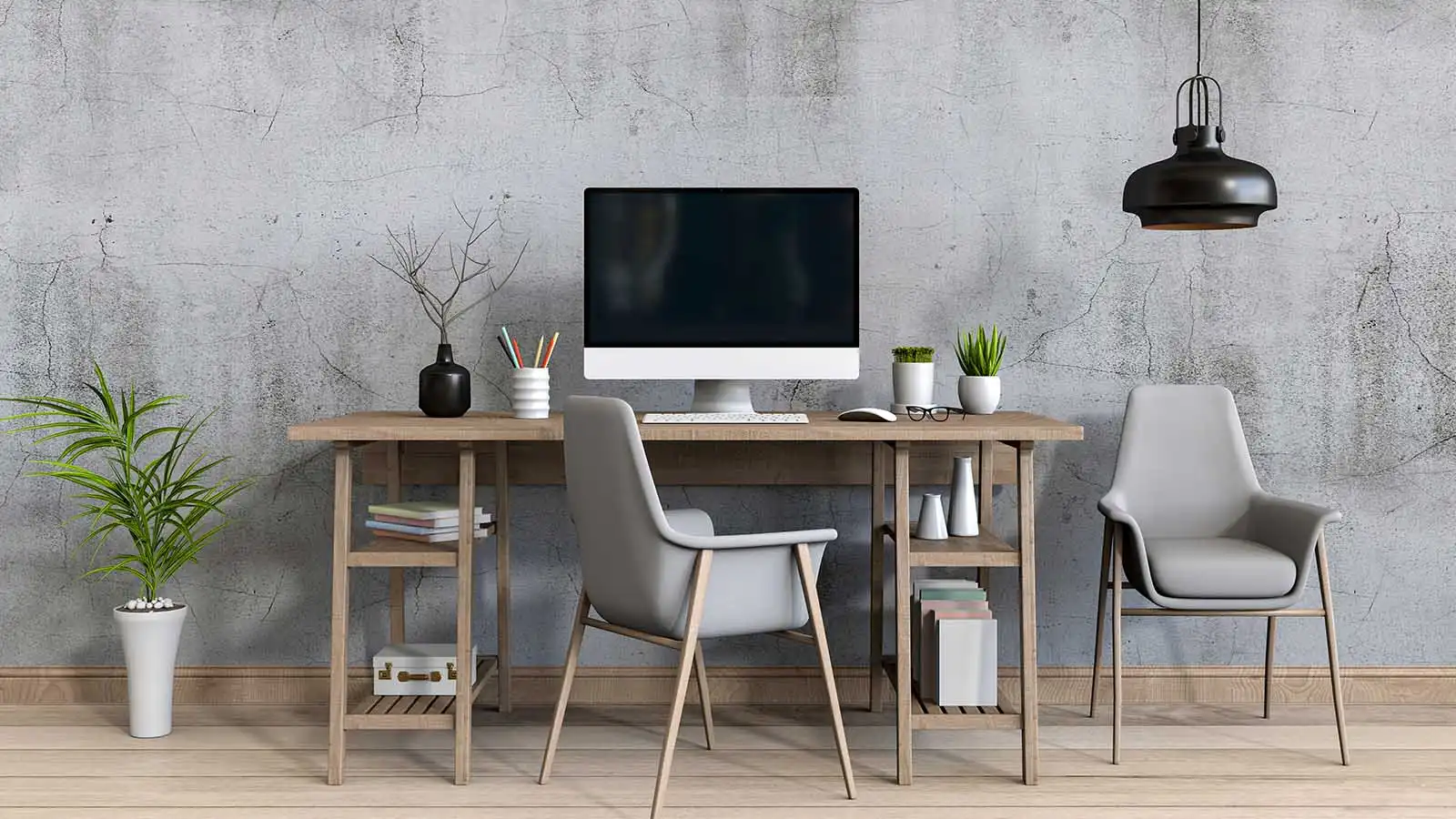
Working remotely has completely changed the way people in Pakistan approach their careers. More professionals and freelancers are investing in a proper home office setup to stay productive and comfortable. However, one of the biggest concerns for most people is the work from home setup price. When you understand what to buy and what to spend, you can create a complete home office without breaking the bank.
In this guide, IT Online walks you through everything you need — from choosing the right monitor to picking the perfect ergonomic office chair — so that your remote work setup delivers real results. Let’s dive in.

Why Your Work From Home Setup Matters
First and foremost, your workspace directly affects your performance. A well-planned home workspace reduces distractions, minimizes physical strain, and keeps you focused throughout the day. Furthermore, investing in the right equipment today saves you from costly health issues tomorrow.
Additionally, as remote work grows across Pakistan, companies now expect employees to maintain a professional computer workstation setup. Therefore, building a solid work setup is no longer optional — it is essential.
Understanding Work From Home Setup Price in Pakistan
Before you start shopping, it is important to understand that the work from home setup price varies depending on your budget and needs. You can build a basic desk setup for as little as PKR 30,000 to PKR 50,000. On the other hand, a premium computer workstation setup can cost PKR 150,000 or more.
Moreover, the good news is that affordable office furniture and quality computer accessories are widely available in Pakistan. Consequently, you do not need to overspend to get a functional and comfortable home office. Here is a general breakdown of the work from home setup price in Pakistan:
Basic Setup: PKR 30,000 – PKR 60,000 (desk, chair, laptop stand, basic accessories)
Mid-Range Setup: PKR 60,000 – PKR 120,000 (monitor, ergonomic chair, quality accessories)
Premium Setup: PKR 120,000+ (dual monitors, standing desk, full ergonomic setup)
Choosing the Right Monitor for Your Home Office
Your monitor is the centerpiece of any home office setup. Consequently, choosing the right screen size, resolution, and panel type makes a huge difference in your daily comfort and output.
Key Factors to Consider
- Screen Size: A 24-inch to 27-inch monitor works well for most tasks. Moreover, larger screens reduce eye strain over long hours.
- Resolution: Always go for Full HD (1080p) at minimum. However, if your work involves graphics or video, a 2K or 4K monitor is a better investment.
- Panel Type: IPS panels offer the best color accuracy and wide viewing angles. Therefore, they are ideal for designers and writers alike.
- Refresh Rate: For general work, 60Hz is sufficient. In contrast, a 75Hz or higher rate is better if you also use your setup for gaming.
- Connectivity: Choose a monitor with HDMI and USB-C ports. As a result, you can connect multiple devices easily.
Furthermore, consider adding a monitor mount to your setup. A quality mount improves ergonomics, frees up desk space, and keeps your screen at eye level.
Essential Accessories for Your Remote Work Setup
Beyond the monitor, several accessories play a critical role in making your remote work setup efficient. Let’s explore the most important ones.

1. Laptop Stand
A laptop stand raises your screen to eye level, which immediately reduces neck and back pain. Additionally, it improves airflow around your laptop, keeping it cooler and running faster. Many affordable stands are available in Pakistan, starting from PKR 2,000.
2. Ergonomic Office Chair
Your ergonomic office chair is arguably the most important investment in your home office setup. Since you sit for hours each day, a chair with lumbar support, adjustable armrests, and proper cushioning protects your posture. Therefore, do not compromise on chair quality even if you are working with a tight budget.
3. Desk
Your desk should offer enough surface area for your monitor, laptop, keyboard, and other items. Moreover, consider a desk with cable management holes to keep your workspace clean. In Pakistan, solid wooden or MDF desks are popular choices for a home office.
4. Keyboard and Mouse
Invest in a comfortable wireless keyboard and mouse. These computer accessories significantly improve your typing speed and reduce wrist fatigue. Additionally, a wireless setup reduces clutter on your desk, making your desk setup look cleaner and more professional.
5. Webcam and Headset
For video calls and virtual meetings, a good webcam and noise-canceling headset are essential productivity tools. These accessories help you present professionally and communicate clearly. Consequently, they are must-have items in any complete home office in Pakistan.
6. Lighting
Good lighting reduces eye strain and improves your on-camera appearance. A simple LED desk lamp is a budget-friendly addition to your home workspace. Furthermore, natural light from a window positioned to the side of your monitor is ideal for daytime work.
Office Furniture Tips for Pakistan
When shopping for office furniture in Pakistan, keep these tips in mind:
- Shop at local markets in Karachi, Lahore, or Islamabad for affordable office furniture options.
- Compare prices on online stores like Daraz before buying office desk setup items.
- Look for combos that bundle office furniture — buying a desk and chair together often saves money.
- Consider second-hand furniture from OLX or Facebook Marketplace to reduce your overall work from home setup price.
Building a Productive Home Office Setup on a Budget
You do not need to spend a fortune to build an effective home office setup. Instead, prioritize the items that impact your health and productivity the most. First, invest in a good ergonomic office chair and a quality monitor. Then, gradually upgrade other parts of your setup over time.
Moreover, many home productivity tools are available at competitive prices in Pakistan. For example, USB hubs, cable organizers, and monitor risers can transform a basic desk setup into a fully functional office desk setup without a huge investment.
Finally, remember that the best work from home setup price is one that fits your specific needs and budget. Therefore, plan your purchases carefully and focus on quality over quantity.
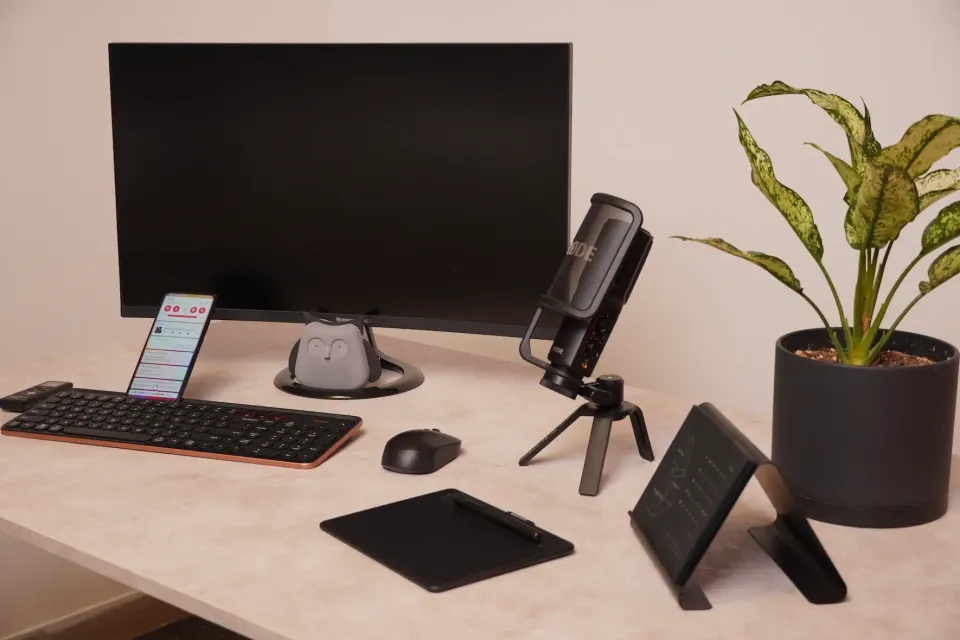
IT Online: Your Partner for Work From Home Equipment in Pakistan
At IT Online, we understand that building the right homeoffice requires guidance and access to quality products. That is why we offer a wide range of computer accessories, monitors, laptop desk accessories, and office furniture suited for every budget in Pakistan. Furthermore, our team helps you find the best work from home setup price for your specific requirements.
Whether you are setting up a computer workstation setup for freelancing, remote employment, or online business, IT Online has you covered. Explore our catalog today and take the first step toward a smarter, more comfortable home office.
Frequently Asked Questions
What is the average work from home setup price in Pakistan?
The average work from home setup price in Pakistan ranges from PKR 30,000 for a basic setup to PKR 120,000 or more for a premium home office setup. Your total cost depends on the quality of your monitor, chair, desk, and other accessories you choose.
Which monitor is best for a home office setup in Pakistan?
For most users in Pakistan, a 24-inch Full HD IPS monitor offers the best balance of price and performance. Brands like Dell, LG, and Samsung provide reliable options. Moreover, pairing your monitor with a monitor mount improves ergonomics significantly.
Is an ergonomic office chair worth the price?
Yes, absolutely. An ergonomic office chair is one of the most important investments in your remote work setup. It protects your posture, reduces back pain, and increases your productivity over long work sessions. Therefore, it is worth every rupee.
Can I build a complete home office on a tight budget in Pakistan?
Yes, you can build a complete home office on a budget in Pakistan. Focus on essential items first — a good chair, a desk, and a reliable monitor. Then, add laptop desk accessories and productivity tools gradually as your budget allows.
What laptop stand should I use for my home workspace?
A laptop stand with adjustable height and a non-slip surface works best for a home workspace. Look for aluminum or ABS plastic stands that are sturdy and portable. Many quality options are available in Pakistan starting from PKR 1,500 to PKR 5,000.
Where can I buy affordable office furniture for my home office in Pakistan?
You can find affordable office furniture at local furniture markets in major cities, as well as on online platforms like Daraz and OLX. IT Online also offers a curated selection of office furniture and computer accessories tailored for the Pakistani market, ensuring you get the best work from home setup price.
