
If your laptop takes forever to boot, freezes when you open Chrome with ten tabs, or groans every time you open a file, the problem usually isn’t your processor — it’s your storage. Thousands of laptop owners across Lahore, Karachi, Islamabad, and Faisalabad are sitting on perfectly capable machines that feel “dead” simply because they’re still running on an old-fashioned Hard Disk Drive (HDD).
The good news? You don’t need to buy a new laptop. Swapping your HDD for a Solid State Drive (SSD) is, rupee for rupee, the single best upgrade you can make to an aging laptop — and it usually costs a fraction of what a new machine would.
In this guide, we’ll break down HDD vs SSD in simple terms, explain why an SSD upgrade makes sense for the Pakistani market specifically, and show you exactly what to buy.
What Is an HDD?
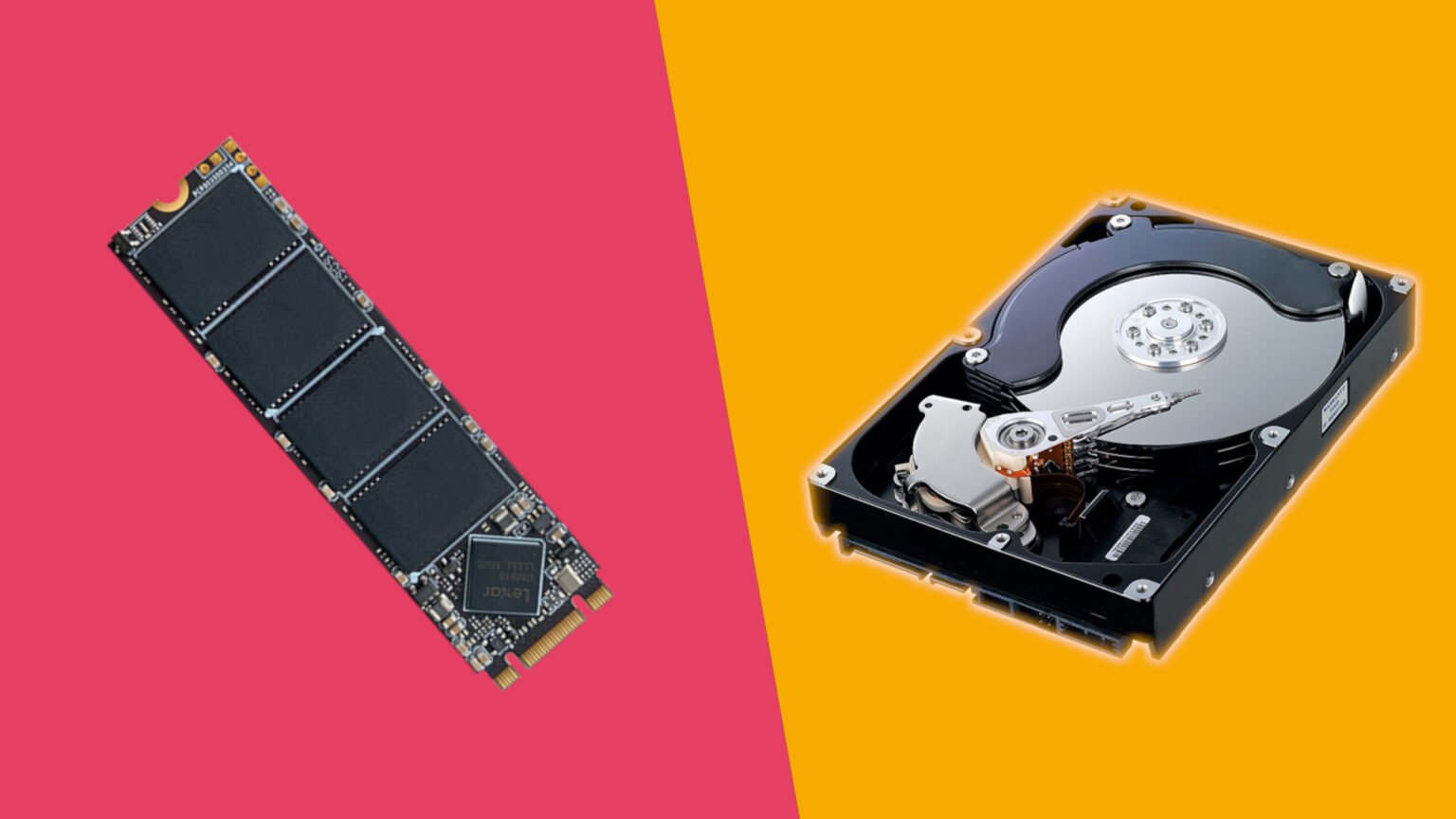
A Hard Disk Drive stores data on spinning magnetic platters, read by a mechanical arm — similar in concept to an old record player. This mechanical design is why HDDs are:
- Slower to read/write data
- More prone to physical damage from drops or shocks (a real risk during load-shedding-related power cuts or when laptops are carried around Pakistan’s busy cities)
- Noisier and warmer during use
- Larger in storage capacity per rupee
What Is an SSD?
A Solid State Drive has no moving parts. It stores data on flash memory chips, the same underlying technology used in USB drives and memory cards, just far more advanced. Because there’s nothing mechanical to spin up or seek across, an SSD can access data almost instantly.
According to independent lab testing, modern SATA SSDs are roughly 4–8x faster than a typical 5400 RPM laptop HDD, while NVMe SSDs can be 20–30x faster for read/write speeds — a gap that’s easy to feel the moment you upgrade.
HDD vs SSD: Quick Comparison
| Factor | HDD | SSD |
| Boot time | 60–120 seconds | 8–20 seconds |
| App load speed | Slow, noticeable lag | Near-instant |
| Durability | Fragile (moving parts) | Shock-resistant, no moving parts |
| Noise & heat | Audible spin/click, more heat | Silent, cooler |
| Battery life impact | Higher power draw | Lower power draw, better battery life |
| Price per GB | Cheaper | Slightly higher, but falling fast |
Why This Matters More in Pakistan
A few local realities make the SSD upgrade even more valuable here than in many other markets:
- Most laptops sold in Pakistan’s used/refurbished market (6th–10th generation Intel Core machines) still ship with HDDs. These are exactly the machines that benefit most from an SSD swap — you can browse IT Online’s refurbished laptop collection to see how much these older generations still sell for once upgraded.
- Frequent power fluctuations and load-shedding put mechanical HDDs at higher risk of read/write errors or head crashes. SSDs, having no moving parts, handle sudden power loss far more gracefully.
- Buying a brand-new laptop is expensive given current import duties and exchange rates. An SSD upgrade typically costs a small percentage of a new laptop’s price while delivering most of the “feels new again” experience.
- Freelancers and students — a huge part of Pakistan’s digital workforce — depend on fast boot and app-load times for video calls, file uploads, and Upwork/Fiverr deadlines. A sluggish HDD directly costs them time and money.
Real Benefits You’ll Notice After Upgrading
- Faster boot-up: Windows can go from a 90-second wait to under 15 seconds.
- Snappier everyday use: Opening Excel, Chrome, or Photoshop happens almost instantly.
- Better battery life: SSDs consume less power, stretching your laptop’s runtime.
- Improved reliability: No spinning platters means far fewer mechanical failures — ideal in Pakistan’s dusty, hot, and sometimes unstable power conditions.
- Quieter operation: No clicking or whirring noise during heavy tasks.
- A genuinely “new” feel for a laptop that’s 5, 8, or even 10 years old.
SATA SSD or NVMe SSD — Which Should You Choose?
- SATA SSD (2.5″): The most common and affordable upgrade path for older laptops. Compatible with almost any laptop that currently has a 2.5″ HDD. Browse IT Online’s SATA SSD drives for trusted brands like ADATA, Team Group, and Hikvision.
- NVMe SSD (M.2): Significantly faster, ideal for newer laptops (typically 6th generation Intel Core and above) with an M.2 slot. Check out IT Online’s NVMe SSD range if your laptop supports it.
Not sure which your laptop supports? IT Online’s team can guide you — just reach out via the Contact Us page.
How Much Does an SSD Upgrade Cost in Pakistan?
Entry-level 256GB SATA SSDs are among the most budget-friendly upgrades available — for example, the ADATA SU650 256GB SSD is a popular pick for students and everyday users. For heavier workloads, larger drives like the Team Group CX2 1TB SSD offer more room for files, games, and software without sacrificing speed.
Pairing your SSD upgrade with a RAM boost (check IT Online’s laptop RAM options) can push an old laptop’s performance even closer to that of a modern machine — often for less than 20% of the cost of buying new.
Should You Upgrade or Buy a New Laptop?
If your laptop’s processor and screen still meet your needs and the only complaint is “it’s slow,” an SSD upgrade is almost always the smarter financial decision. Save the cost of a new laptop for when your current hardware genuinely can’t keep up — not just because it feels sluggish on an outdated HDD.
Give Your Laptop a New Life
The HDD vs SSD debate isn’t close anymore — for everyday users, students, freelancers, and small businesses across Pakistan, an SSD is the single highest-impact, lowest-cost upgrade available for an aging laptop. Whether you go with a simple SATA SSD swap or a full NVMe upgrade, you’ll notice the difference from the very first boot.
Ready to upgrade? Browse genuine, warrantied SSDs and storage devices at IT Online or explore the full IT Online shop for laptops, RAM, and accessories — all backed by IT Online’s warranty and refund policy.
Frequently Asked Questions
- Will an SSD upgrade really make my old laptop faster? Yes. Since storage is one of the biggest bottlenecks in older laptops, replacing an HDD with an SSD typically delivers the single biggest speed improvement you can make — often more noticeable than upgrading the RAM or processor.
- Can any old laptop be upgraded to an SSD? Most laptops made in the last 12–15 years support a 2.5″ SATA SSD swap. Newer models (roughly 6th generation Intel Core onward) may also support faster NVMe M.2 SSDs. If you’re unsure, IT Online can help confirm compatibility before you buy.
- Do I lose my data when switching from HDD to SSD? Not if it’s done correctly. Data can be cloned from the old HDD to the new SSD, or backed up and reinstalled fresh. IT Online can assist with data migration during installation.
- Is SSD upgrade a permanent fix, or will I need a new laptop soon anyway? An SSD upgrade extends a laptop’s useful life significantly — often by several more years — as long as the processor and RAM still meet your day-to-day needs.
- Where can I buy a genuine, reliable SSD in Pakistan? IT Online offers a wide range of genuine SSDs — from budget SATA drives to high-speed NVMe options — with warranty coverage and nationwide delivery. Browse the full SSD collection at itonline.pk.
