
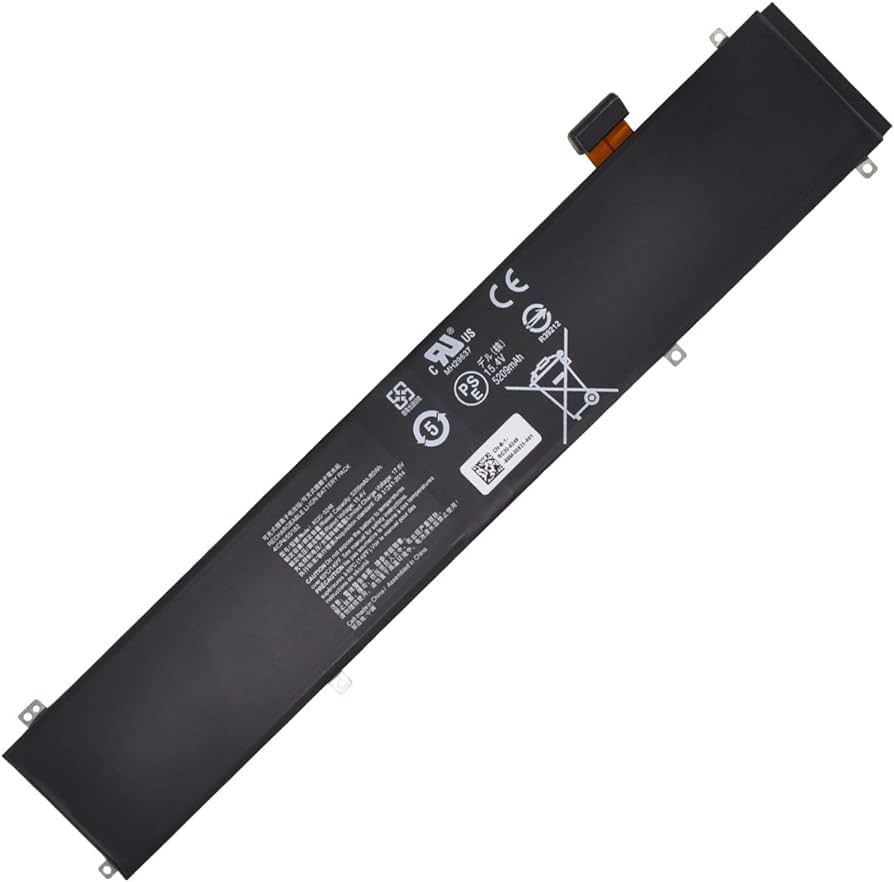
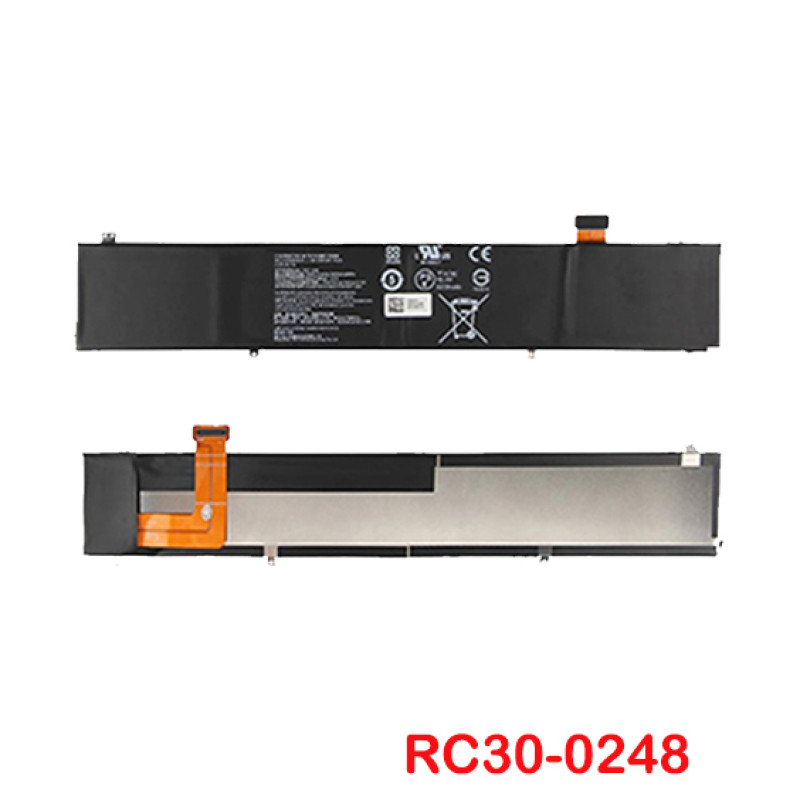
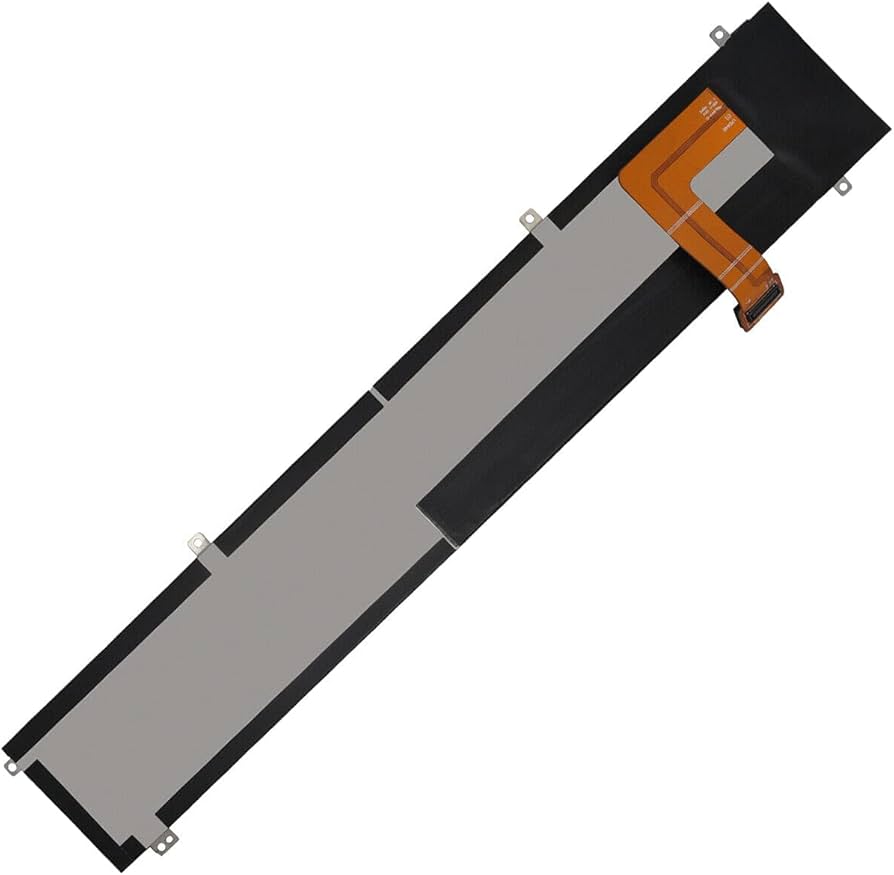
Revive Your Razer Blade Advanced 15 with the High-Performance RC30-0248 Replacement Battery from ITONLINE.PK
Is your Razer Blade Advanced 15 no longer holding a charge like it used to, interrupting your gaming sessions or creative workflow? The solution is a reliable replacement. ITONLINE.PK is proud to offer the high-quality RC30-0248 replacement battery, designed to perfectly match the specifications of your original unit and bring your laptop back to life.
Why Choose the RC30-0248 Battery?
Our RC30-0248 replacement battery is engineered with the modern user in mind, providing a seamless blend of high capacity and essential safety features.
-
High Capacity Power: With an 80Wh (5209mAh) capacity and 15.4V voltage, this battery ensures extended usage time for demanding tasks, from intensive gaming to professional video editing.
-
Premium Quality Cells: The battery is constructed with high-grade Li-ion cells to ensure stable performance, longevity, and durability, often sourced from top manufacturers like Samsung, LG, or Panasonic.
-
Advanced Safety Features: Built-in intelligent safeguard chips provide protection against overheating, overcharging, short-circuiting, and overvoltage, giving you peace of mind during operation.
-
Certified for Reliability: Our batteries are typically certified with CE, FCC, and RoHS standards, ensuring they meet rigorous safety and quality guidelines.
Seamless Compatibility
The RC30-0248 is a perfect fit for a wide range of Razer Blade Advanced 15 models produced between 2018 and 2021. It replaces several part numbers and ensures compatibility with various configurations, including those featuring powerful NVIDIA RTX GPUs.
Compatible Models & Part Numbers:
-
Razer Blade Advanced 15 Series (2018-2021): Fits models across these years, including those with NVIDIA GeForce RTX 2060, 2070, and 2080 graphics.
-
Specific Model Numbers: Fully compatible with RZ09-02385, RZ09-02386, RZ09-02386E91-R3U1, RZ09-02385W71-R3W1, and RZ09-02385E92-R3U1, among many others.
-
Replaces Part Numbers: A direct replacement for original part numbers including RC30-0248, 4ICP4/55/162, and RZ09-02486.
Installation Guide & Tips
Replacing the battery can often be done by the user, provided you have some technical skill and the right tools (a Phillips screwdriver and a plastic pry tool are typically needed).
-
Safety First: Ensure your laptop’s battery is discharged below 25% and the laptop is completely powered off and unplugged before starting the replacement process to prevent fire hazards.
-
Careful Disassembly: Take care when opening the chassis, as strong adhesives may be present. We recommend using a plastic tool to avoid scratching or damaging internal components, especially the sensitive ribbon cables near the battery.
-
Initial Calibration: For the first use, it’s recommended to discharge the new battery to about 5% (not 0%) and then charge it fully to 100%, cycling this process 3-4 times to help the system firmware accurately calibrate the new capacity.


There are no reviews yet.